Game Kit: Laser System (C++)
A C++ based laser system with Niagara.
Screenshots
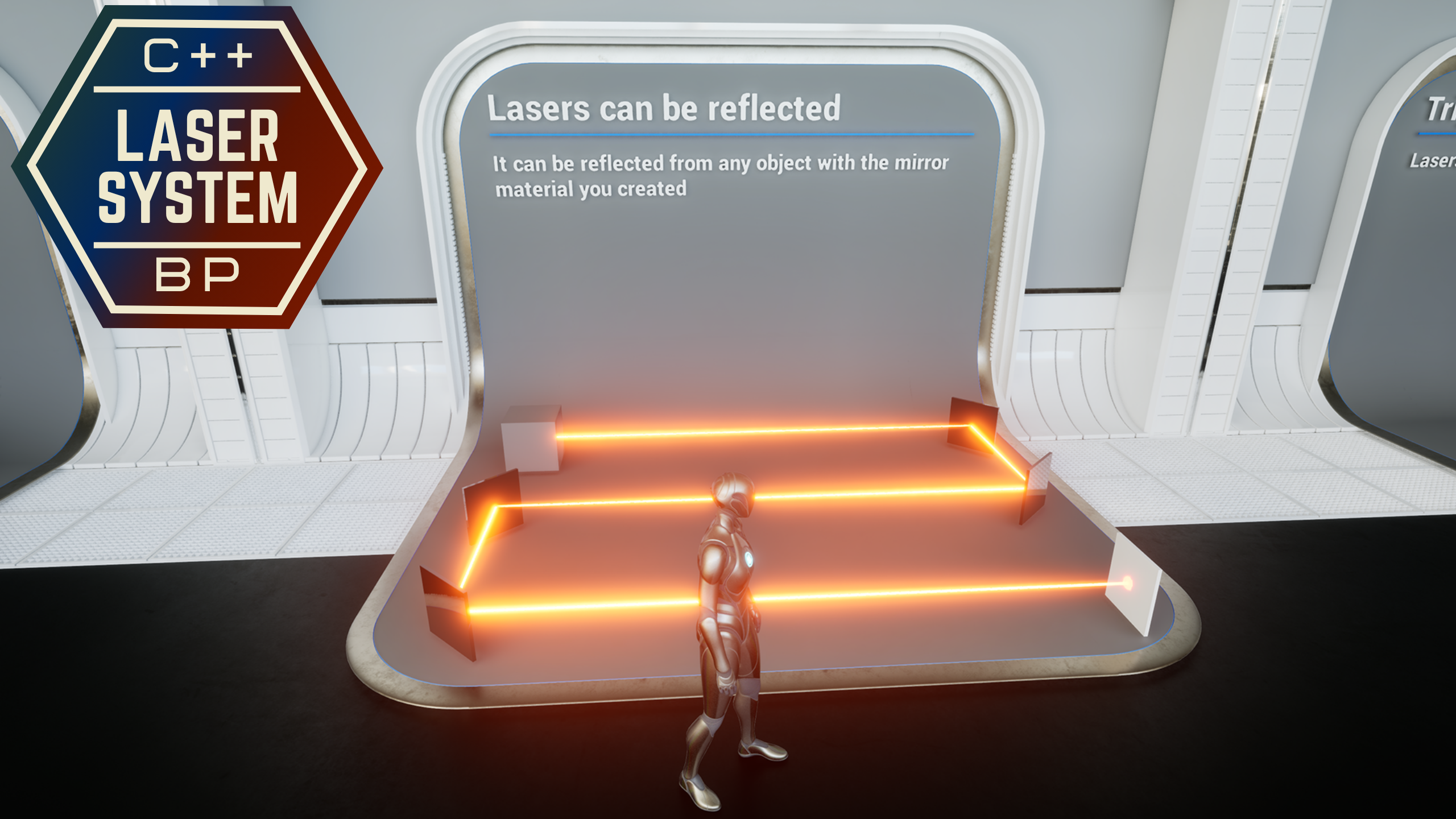
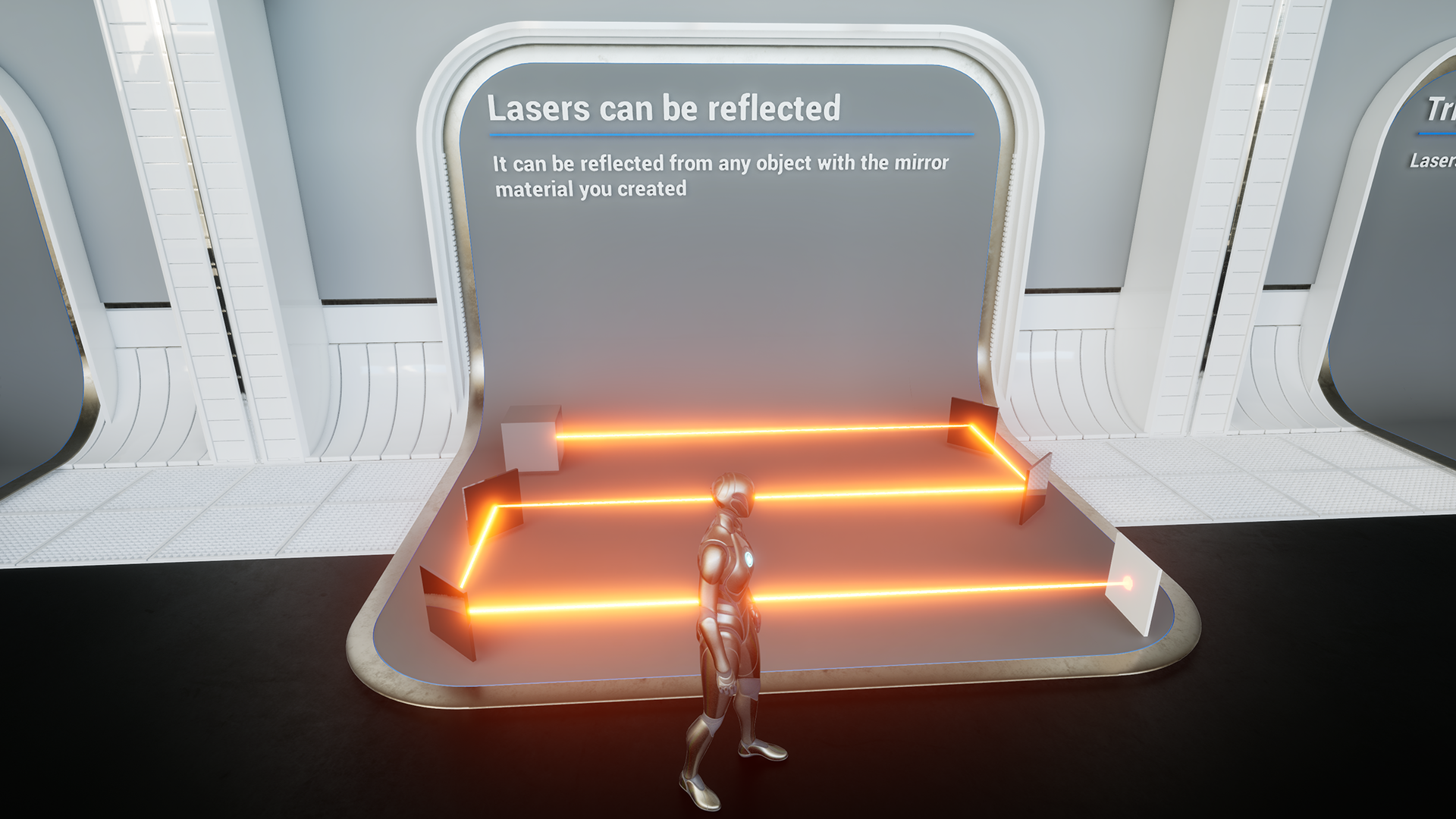
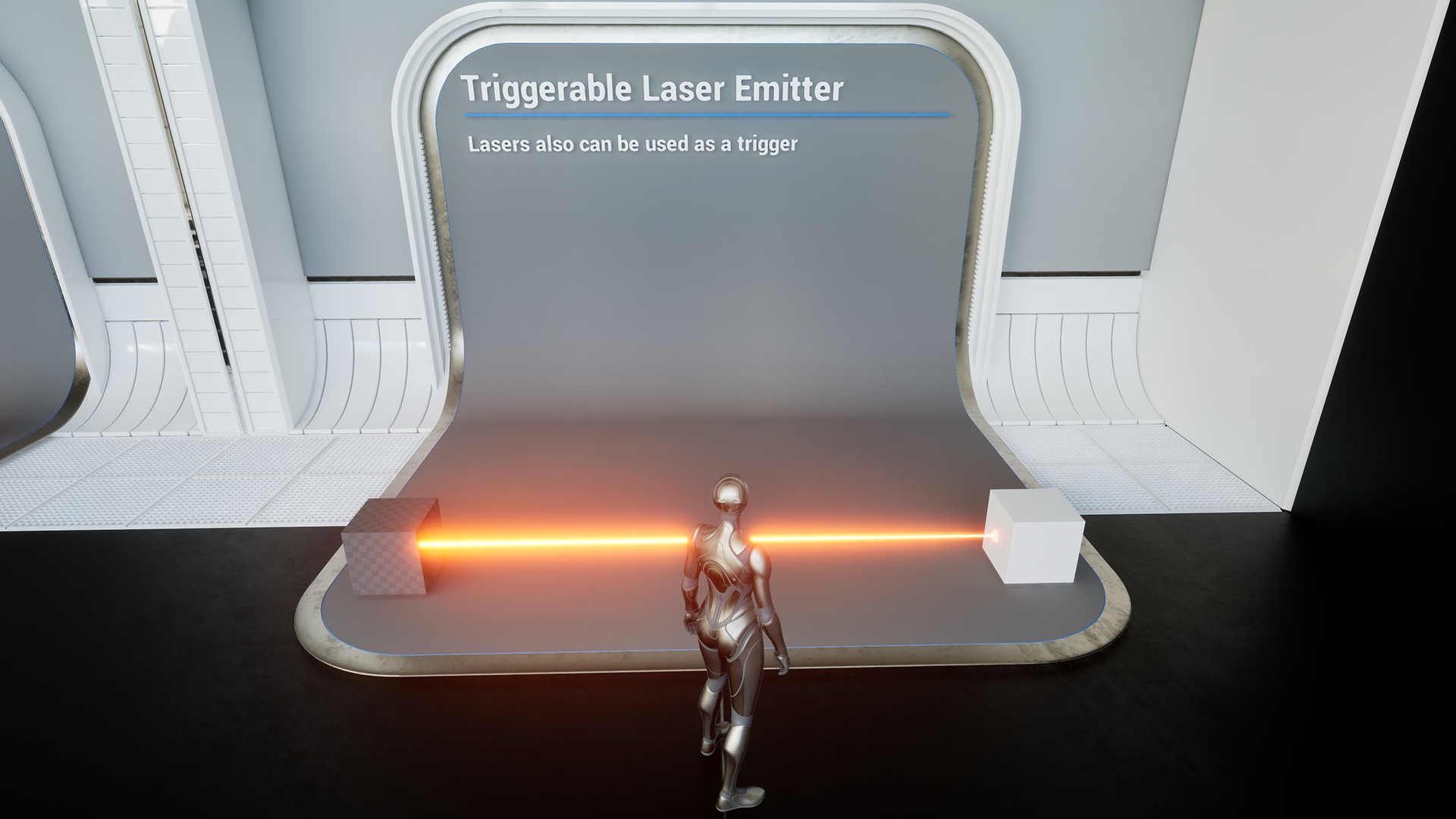
Fully customizable Laser System
- Implemented in both C++ and Blueprint
- Beam and impact effects are created in Niagara and can be replaced
- Laser beams can reflect from mirror materials and act as triggers
How-To
Create a new trace channel for the laser
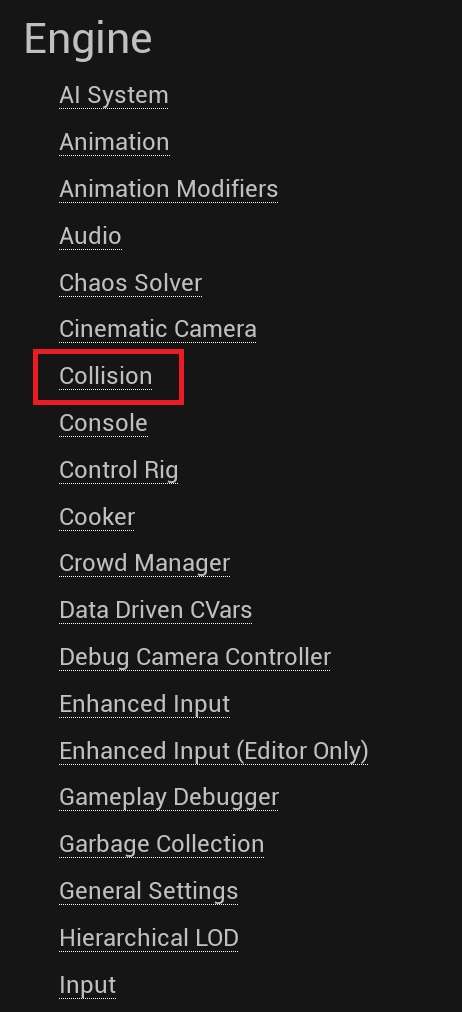
Configure the trace channel in the Collision panel
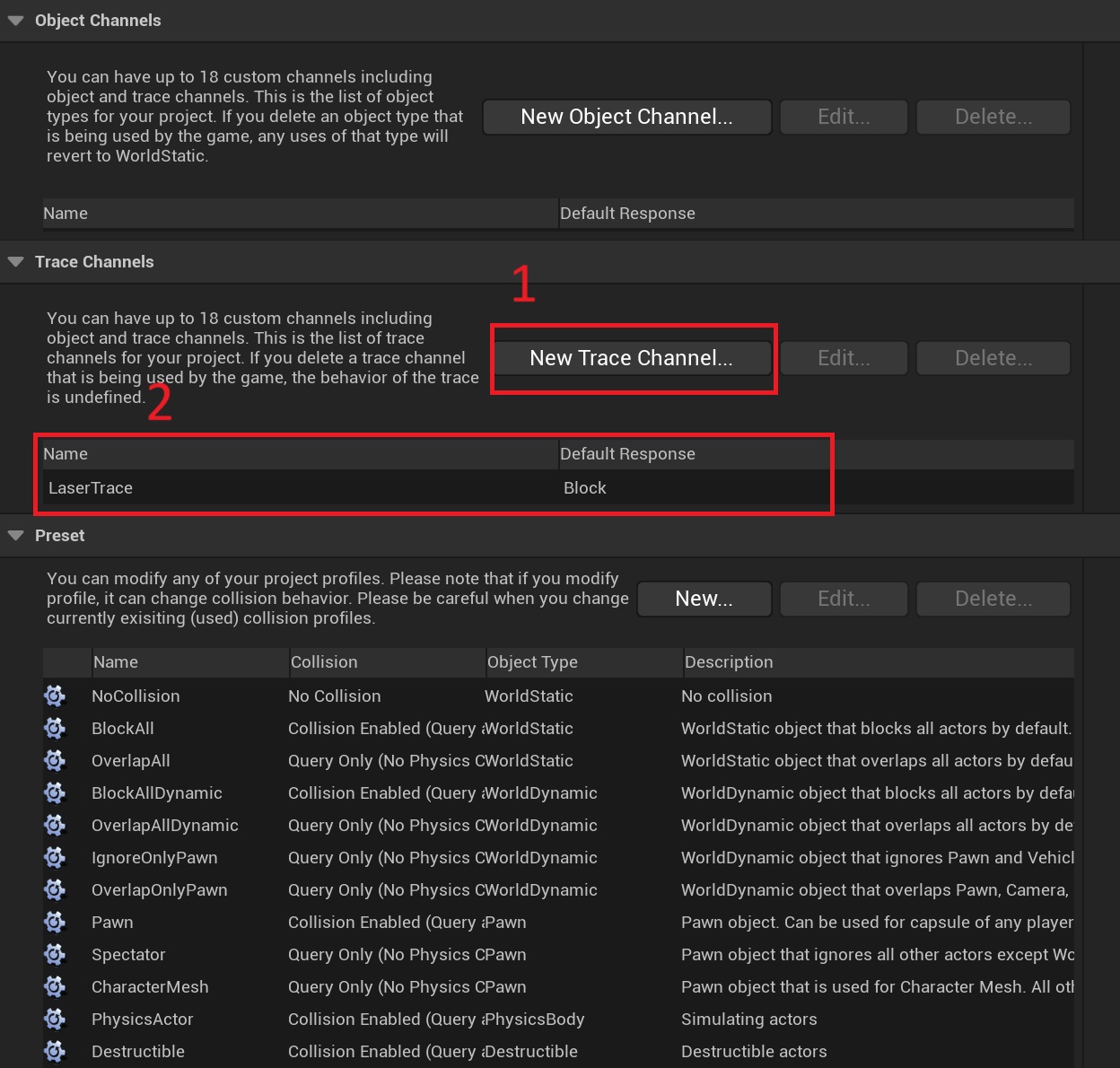
For the C++ package
Save the settings in DefaultEngine.ini
[/Script/Engine.CollisionProfile]
+DefaultChannelResponses=(Channel=ECC_GameTraceChannel1,DefaultResponse=ECR_Block,bTraceType=True,bStaticObject=False,Name="LaserTrace")
Replace the value on line 16 of LaserEmitter.h
static ECollisionChannel ECC_LaserTrace = ECollisionChannel::ECC_GameTraceChannel1;And that's it…
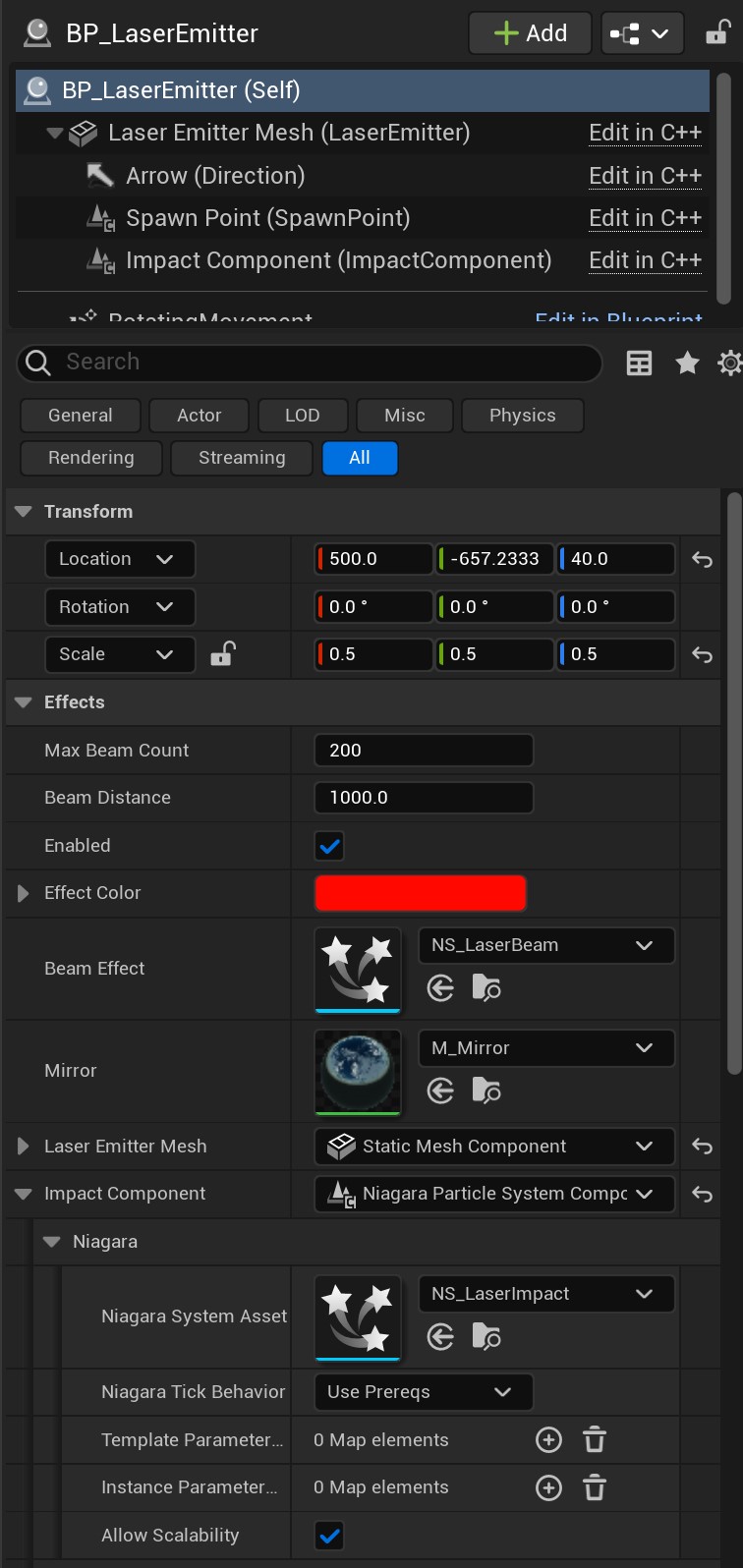
Add the BP_LaserEmitter actor to the scene and set its parameters as you like.