Game Kit: Portal (C++)
A C++ based portal system with customizable features.
Screenshots
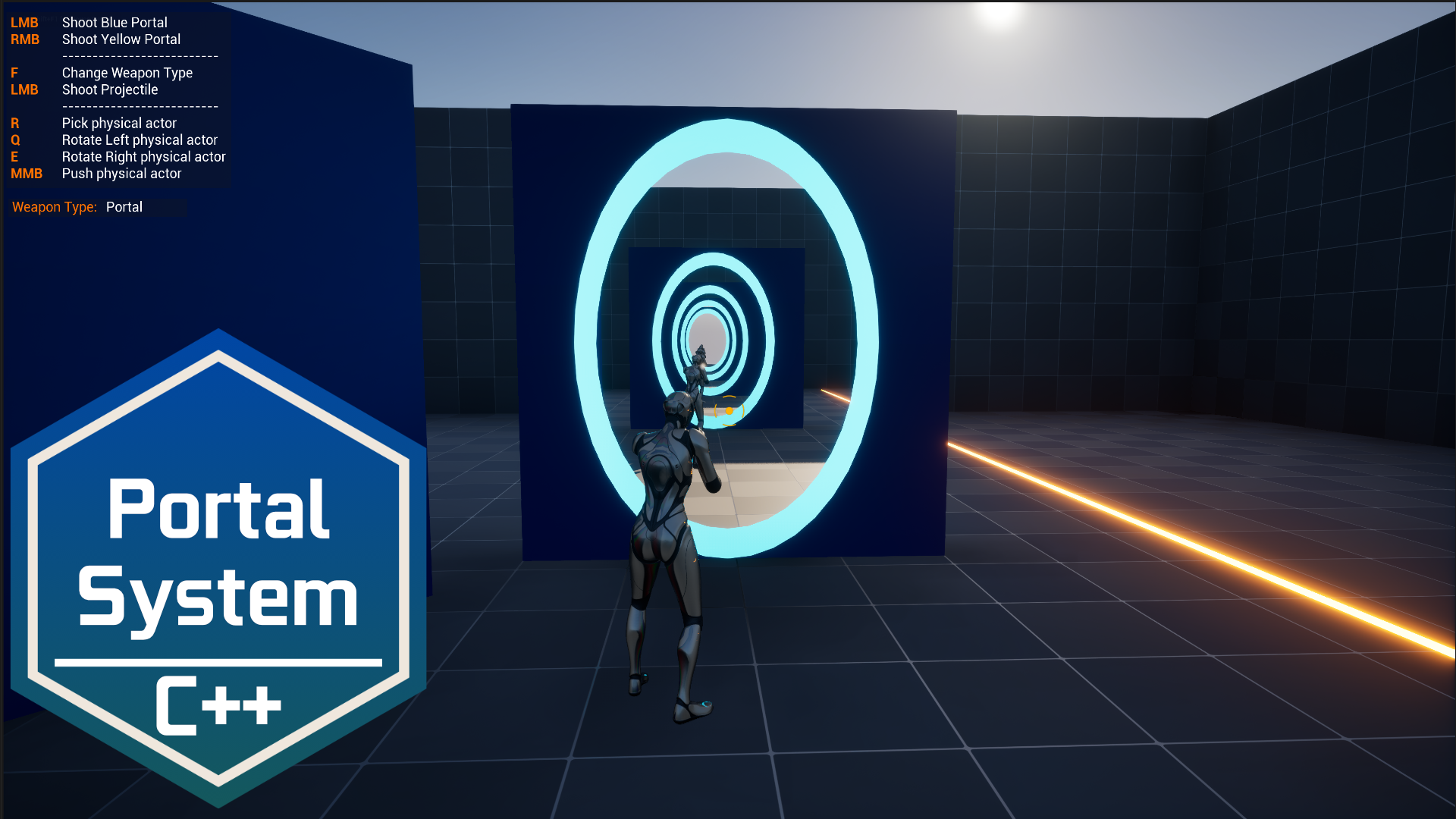
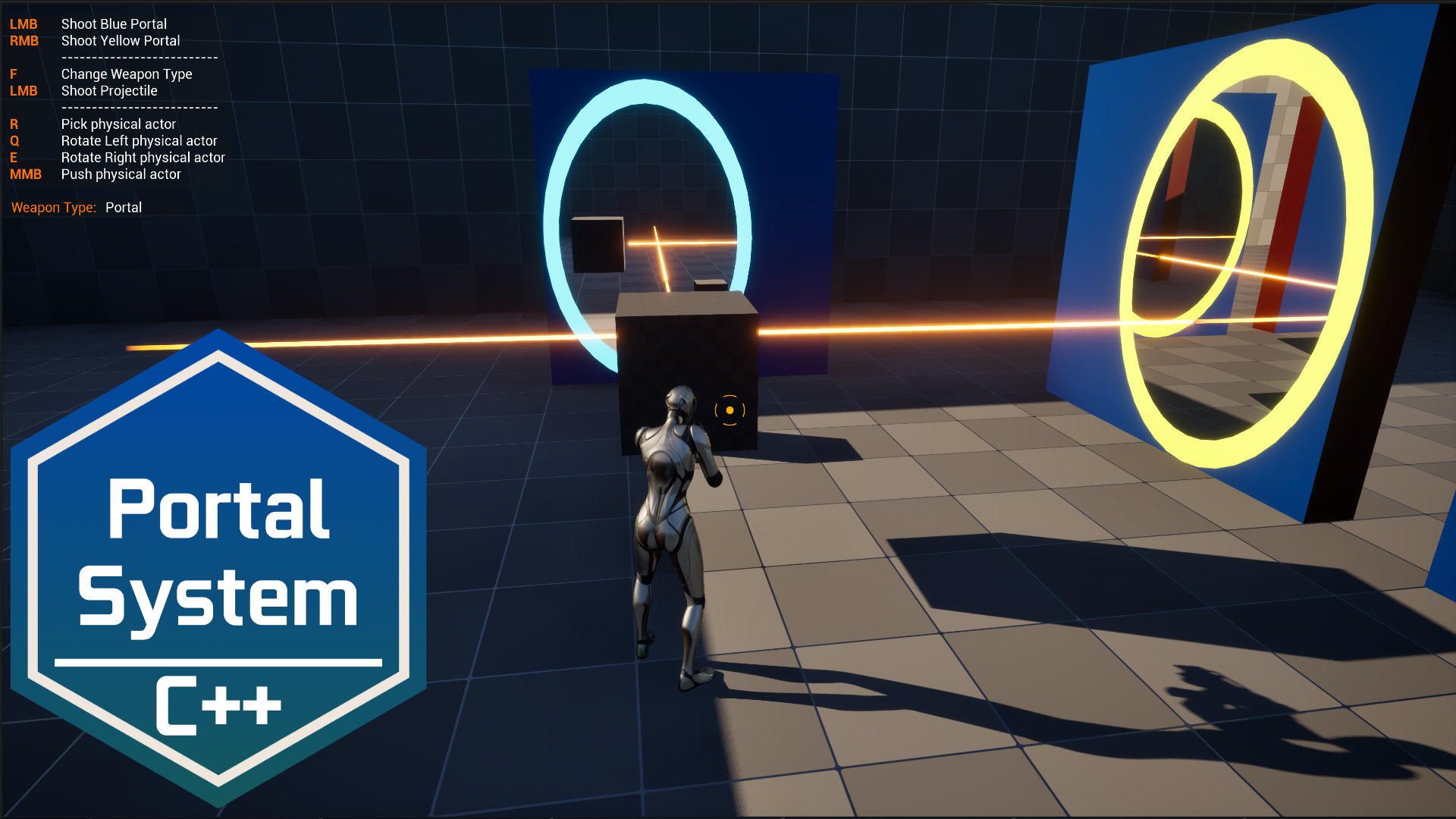
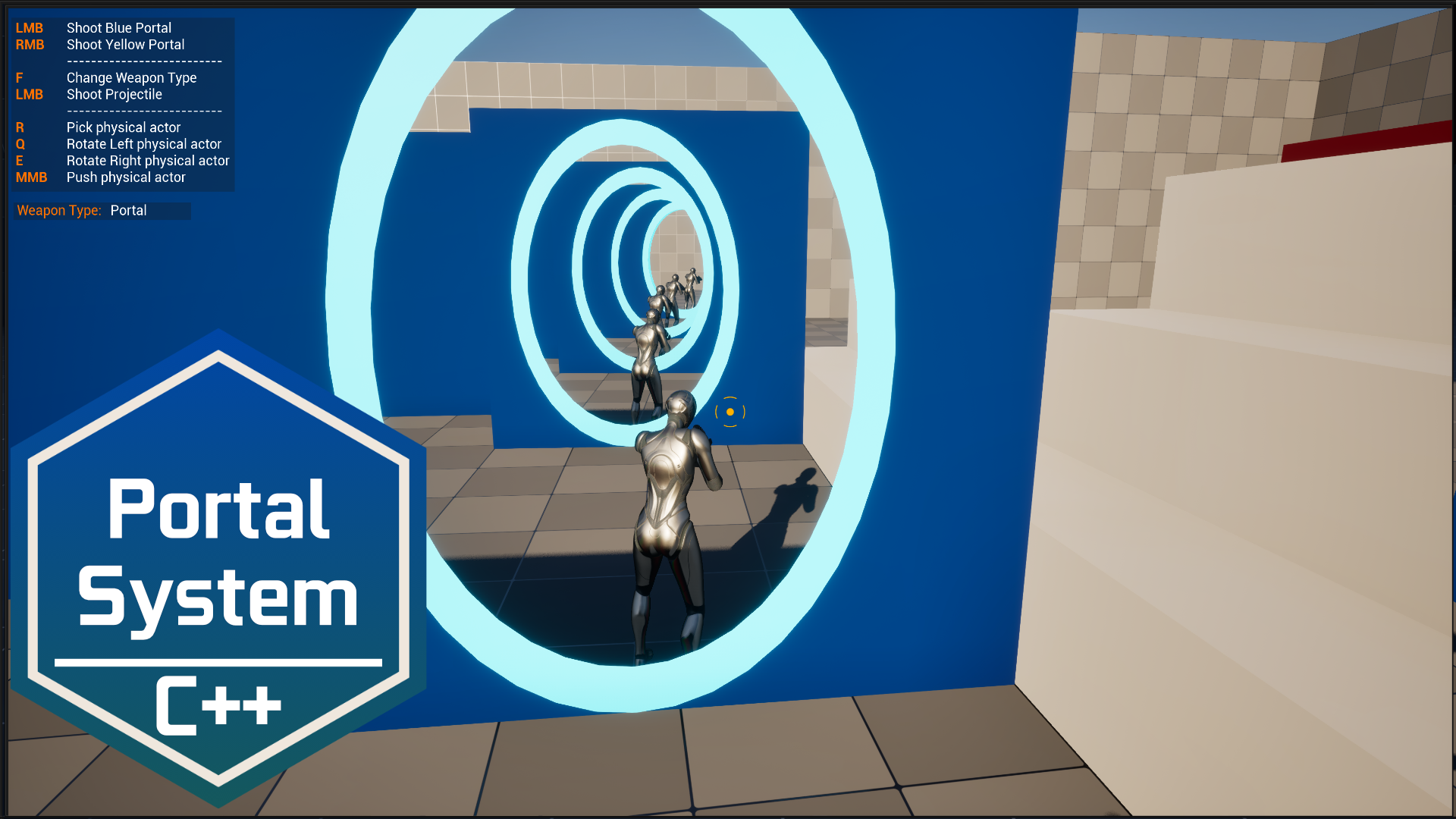
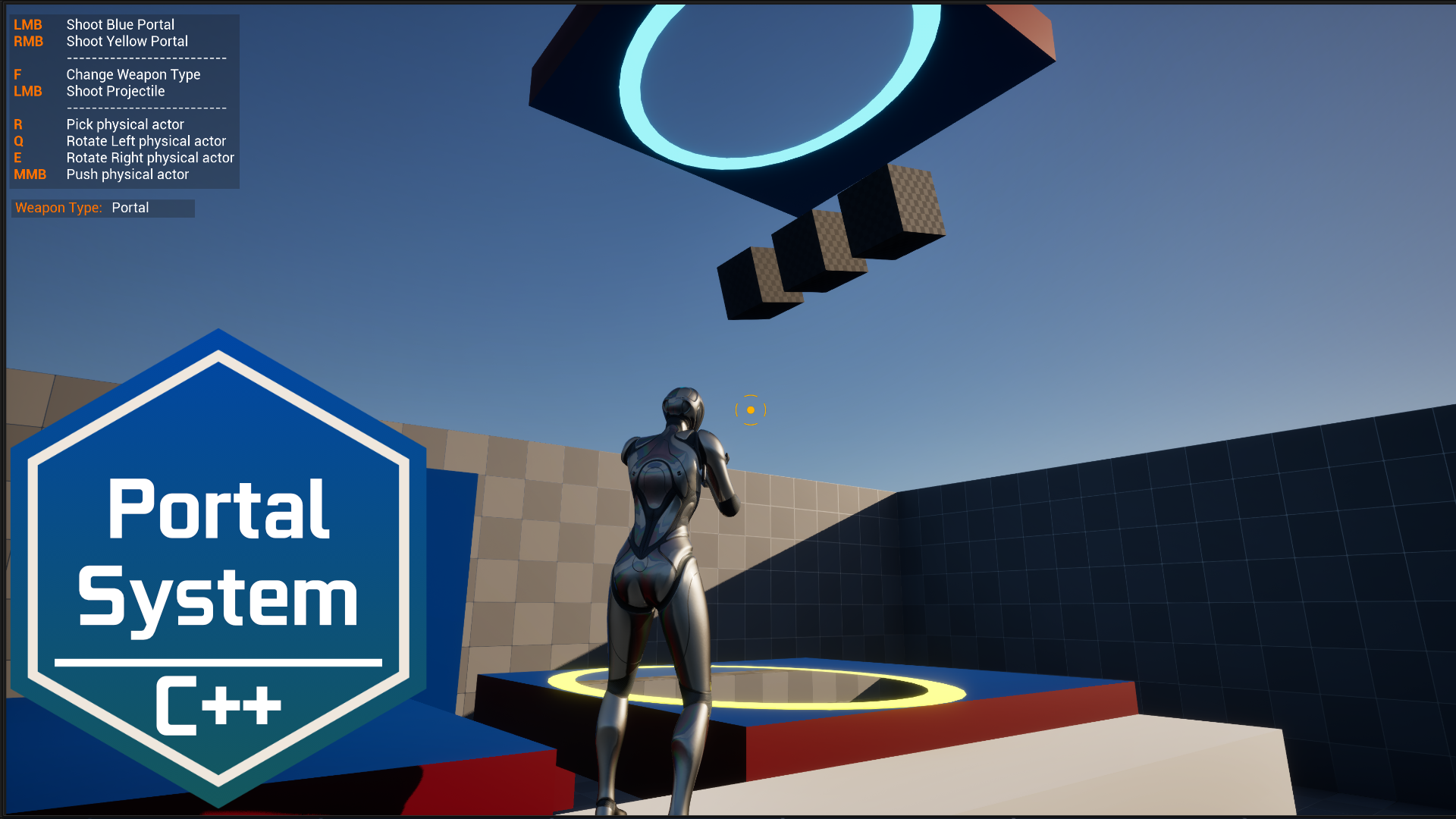
Fully customizable Portal System
Current limitations:
- Lumen is not supported
- Recursive rendering is currently expensive; a performance update is planned
Features:
- 1:1 rendering
- Smooth player and object teleportation with velocity
- Smooth third-person camera transitions
- Laser System integration
- Cloned characters and objects on linked portals
- Projectile traversal
- Recursion support
How-To
1. Enable Support global clip plane for Planar Reflections

2. Set near clip plane to 0.1

3. Create object and trace channels and collision presets
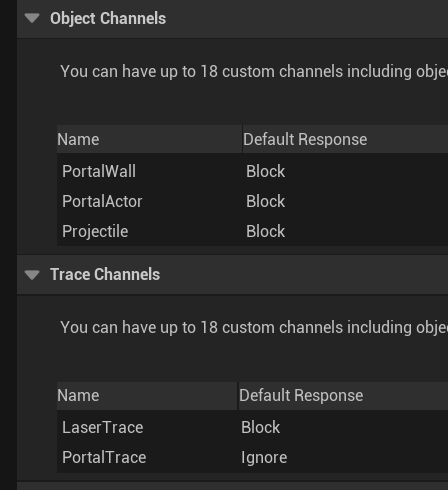
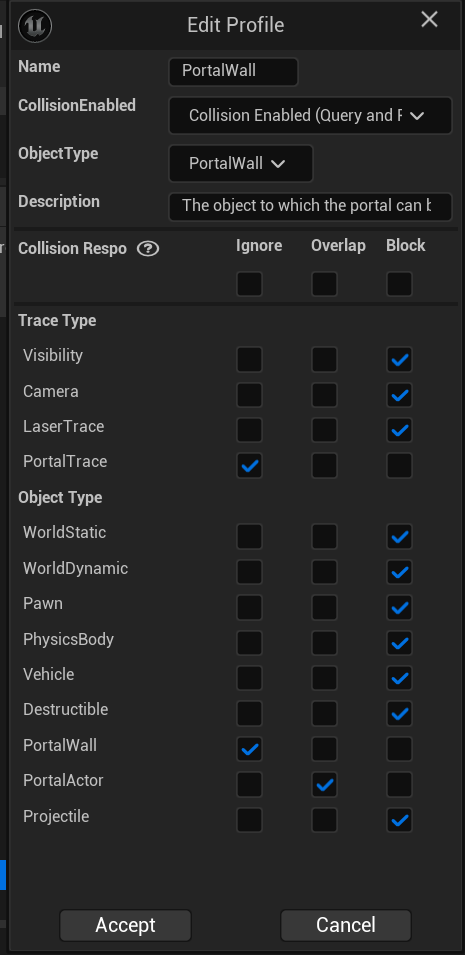
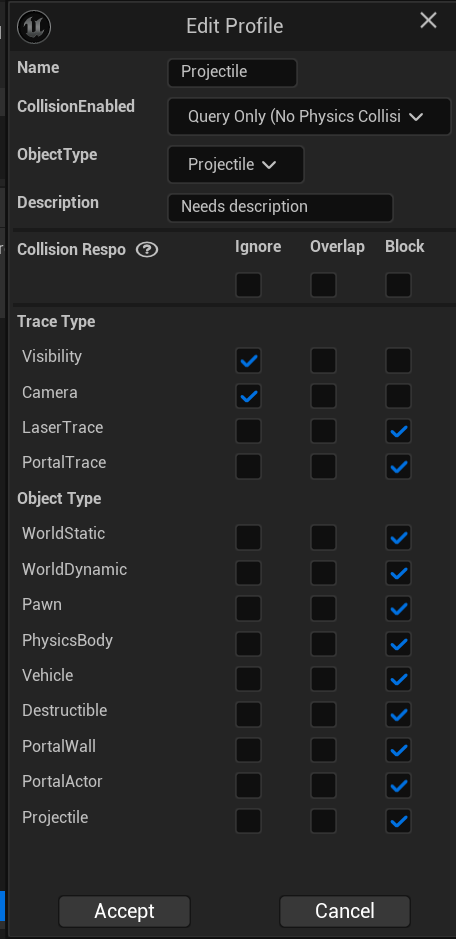
4. Add the channels to DefaultEngine.ini
[/Script/Engine.CollisionProfile]
+DefaultChannelResponses=(Channel=ECC_GameTraceChannel1,DefaultResponse=ECR_Block,bTraceType=True,bStaticObject=False,Name="LaserTrace")
+DefaultChannelResponses=(Channel=ECC_GameTraceChannel2,DefaultResponse=ECR_Ignore,bTraceType=True,bStaticObject=False,Name="PortalTrace")
+DefaultChannelResponses=(Channel=ECC_GameTraceChannel3,DefaultResponse=ECR_Block,bTraceType=False,bStaticObject=False,Name="PortalWall")
+DefaultChannelResponses=(Channel=ECC_GameTraceChannel4,DefaultResponse=ECR_Block,bTraceType=False,bStaticObject=False,Name="PortalActor")
+DefaultChannelResponses=(Channel=ECC_GameTraceChannel5,DefaultResponse=ECR_Block,bTraceType=False,bStaticObject=False,Name="Projectile")
5. Modify assets through DA_Widget_Simple and DA_Portal
These files are derived from the UDataAsset class.
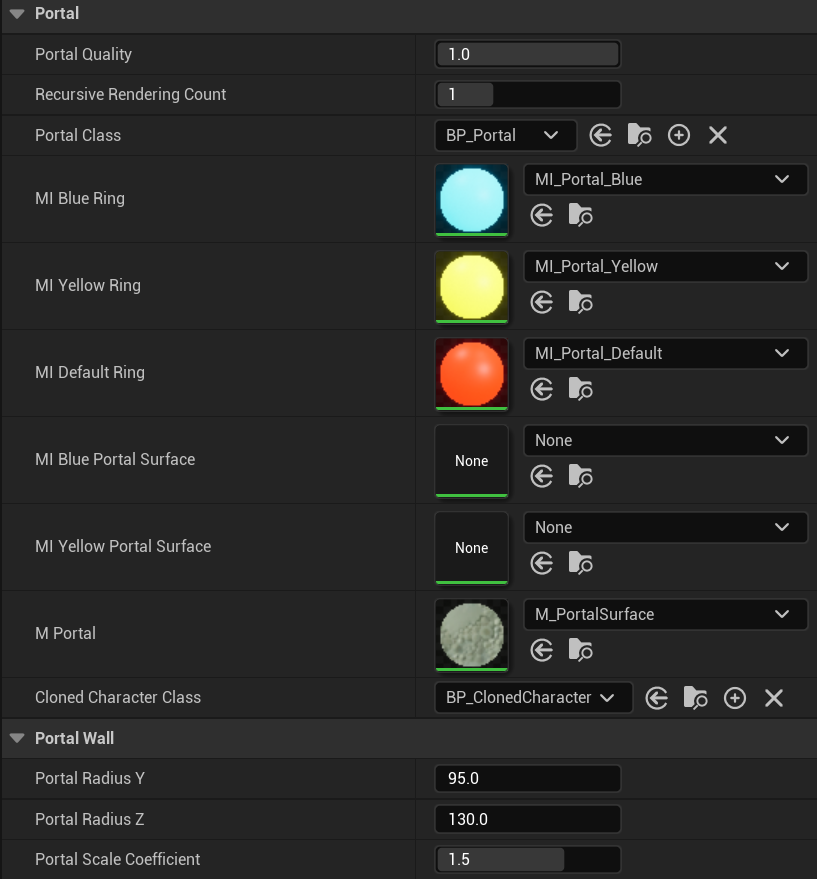
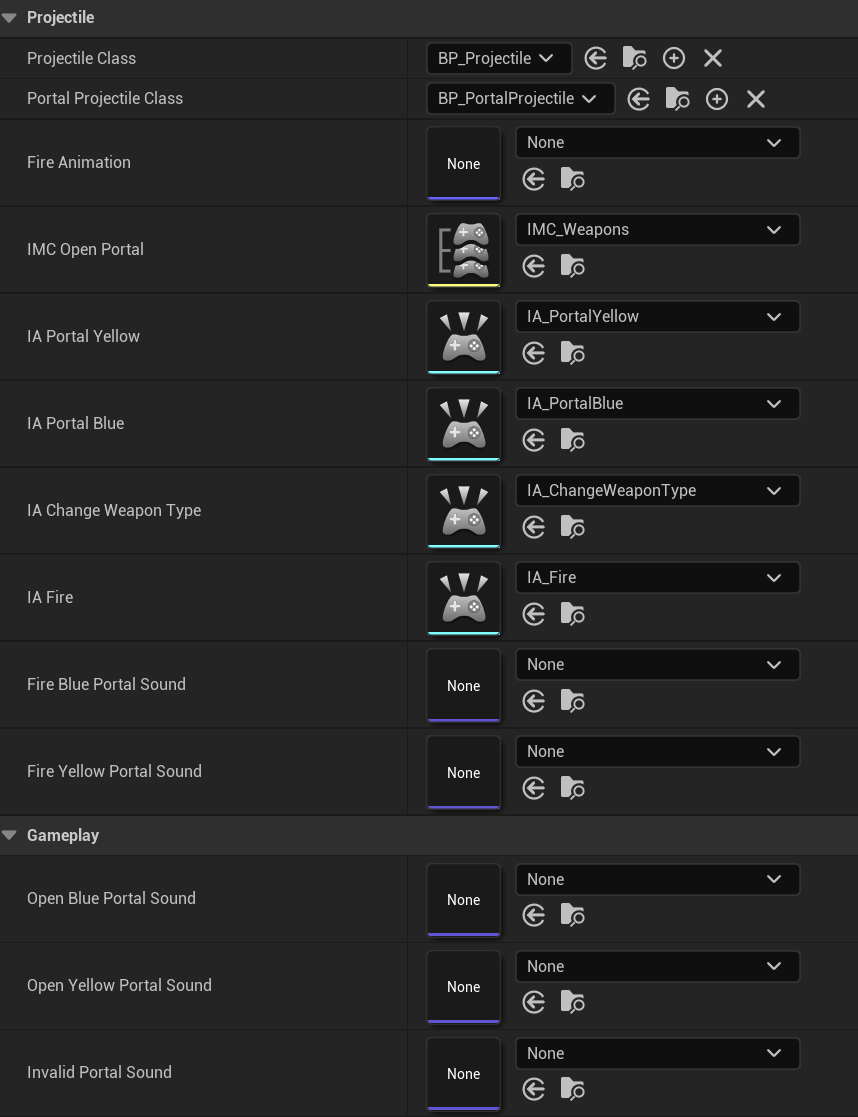
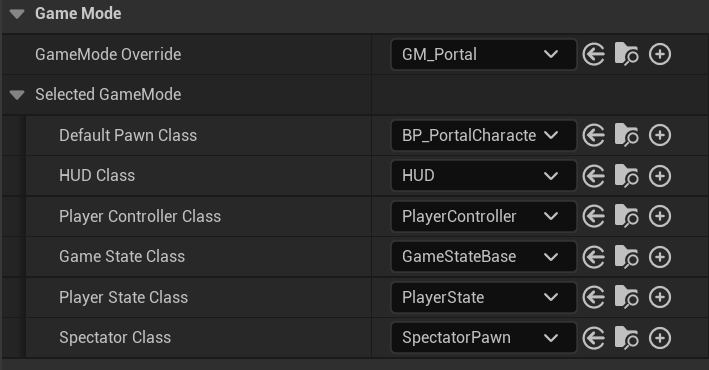
6. Set the default pawn class to BP_PortalCharacter