Game Kit: Inventory System (C++)
A C++ based inventory system with customizable feature.

Game Kit: Inventory System (C++)
Inventory System
Screenshots:
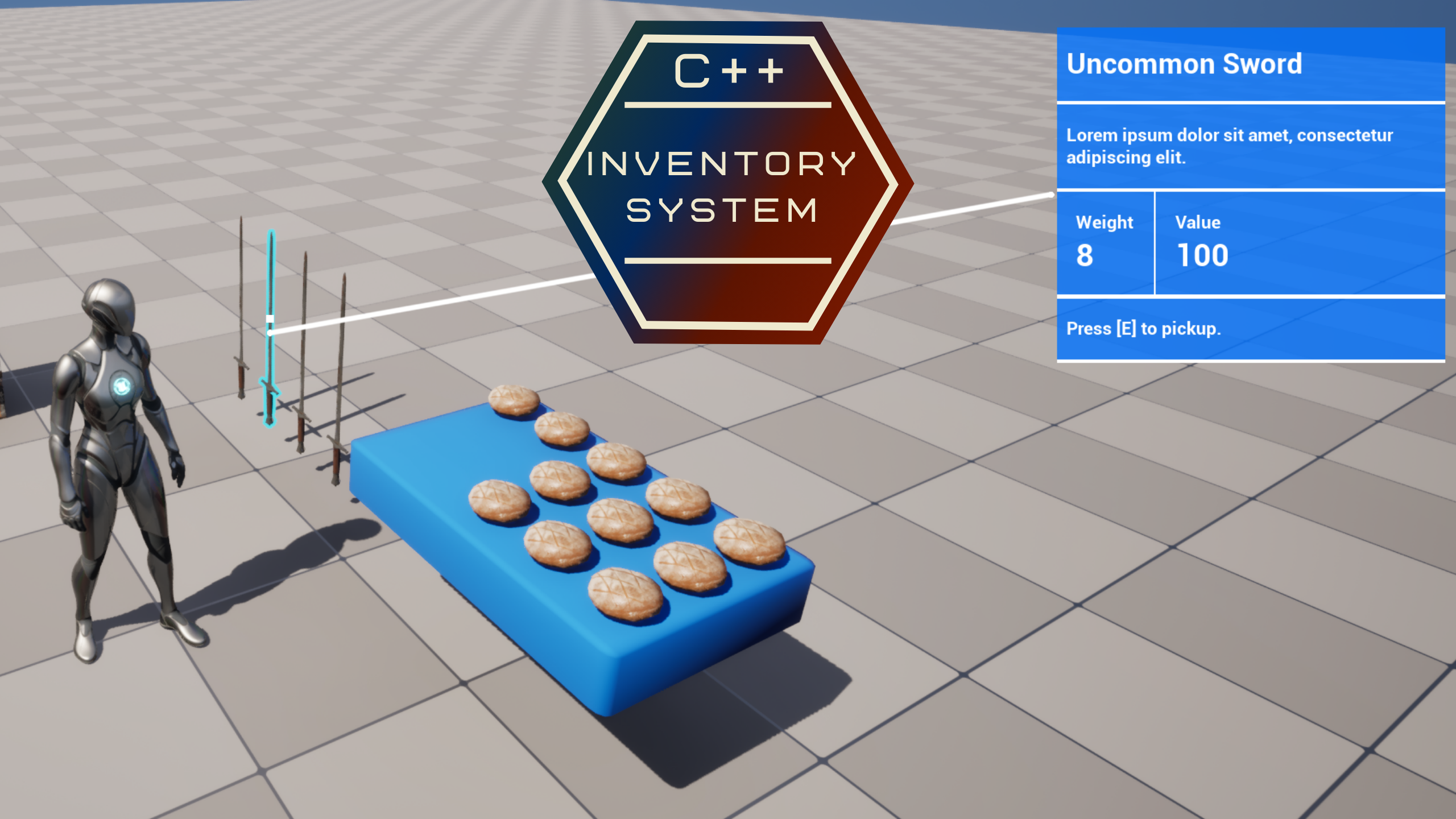
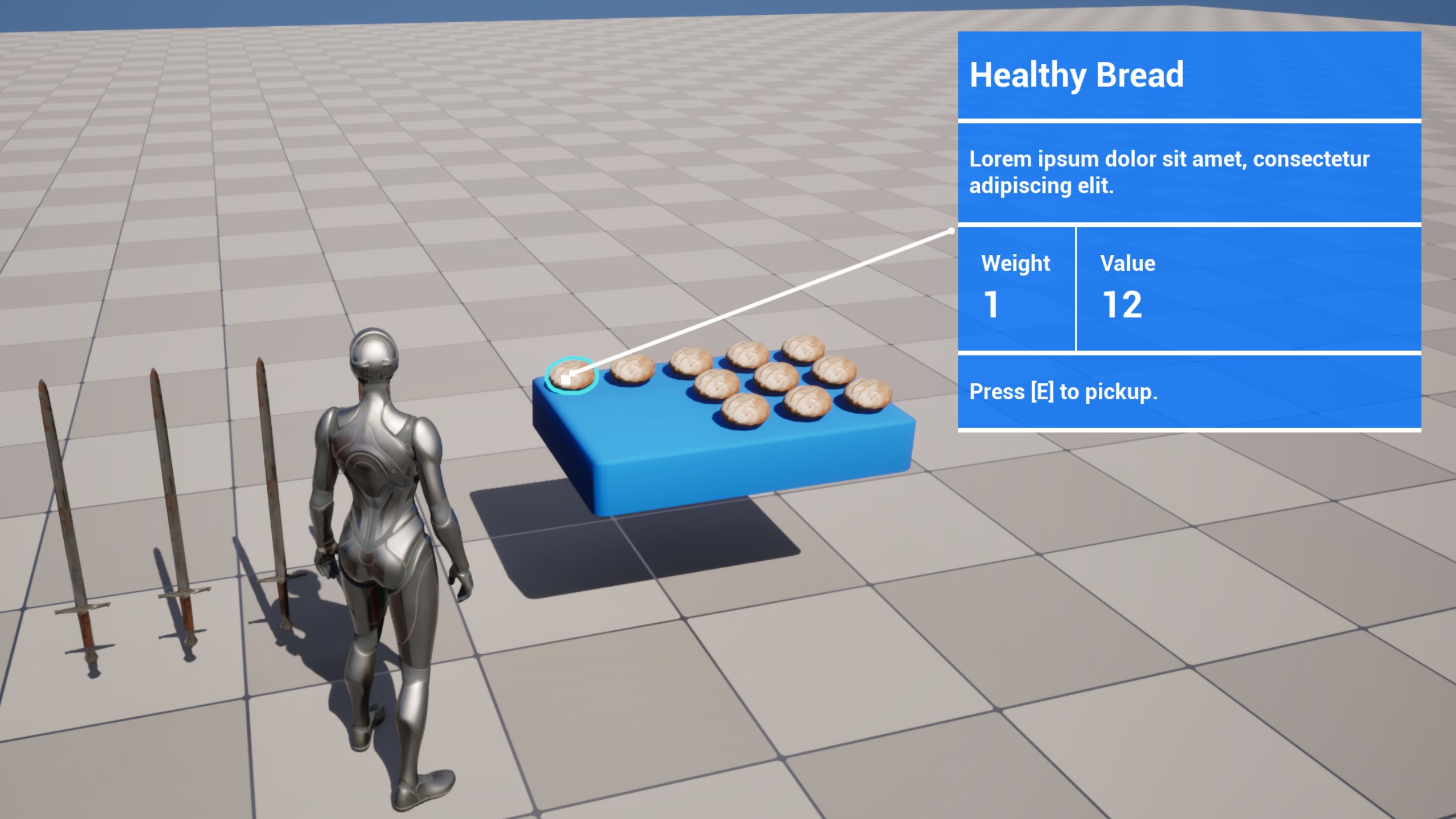
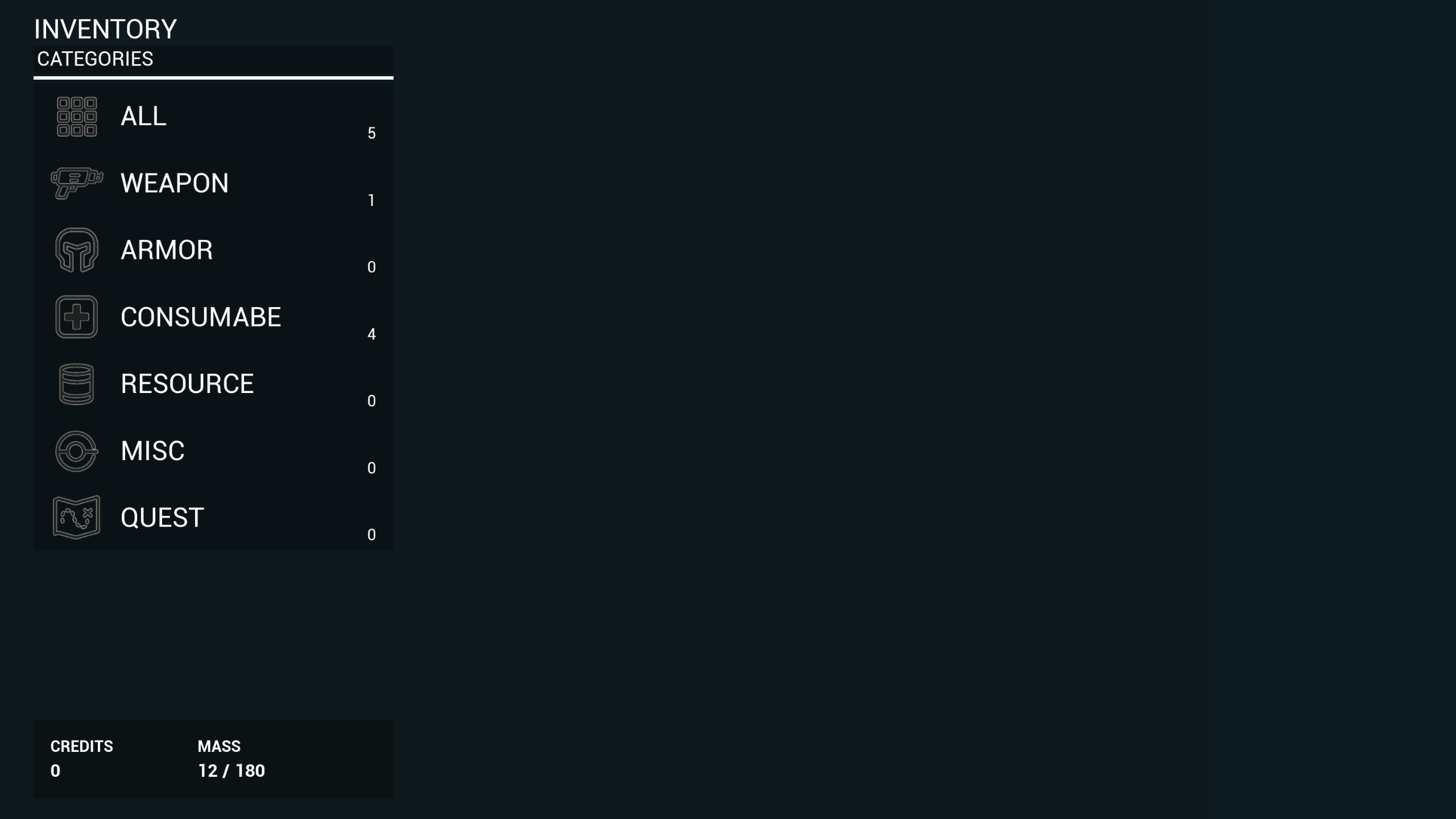
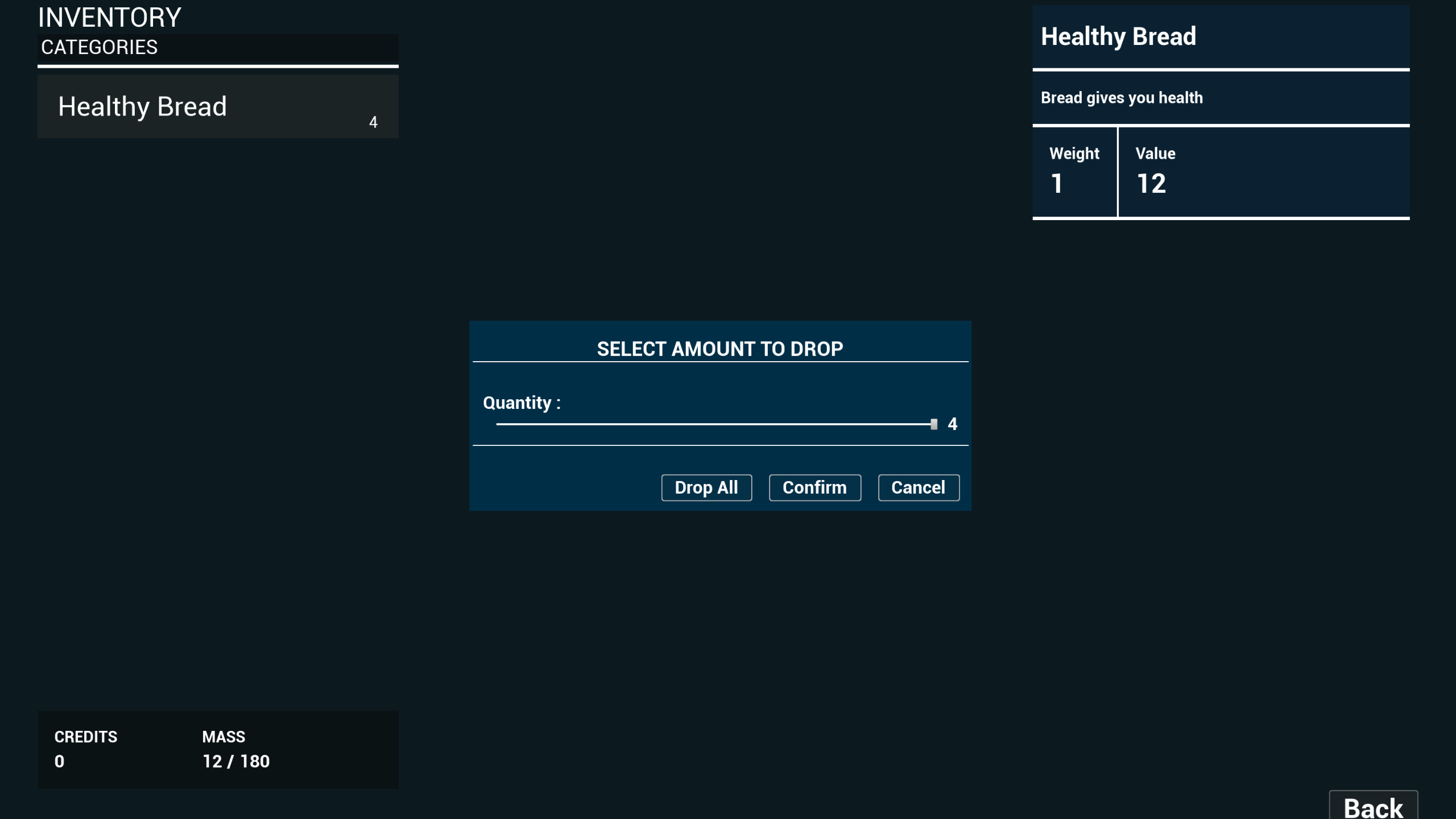
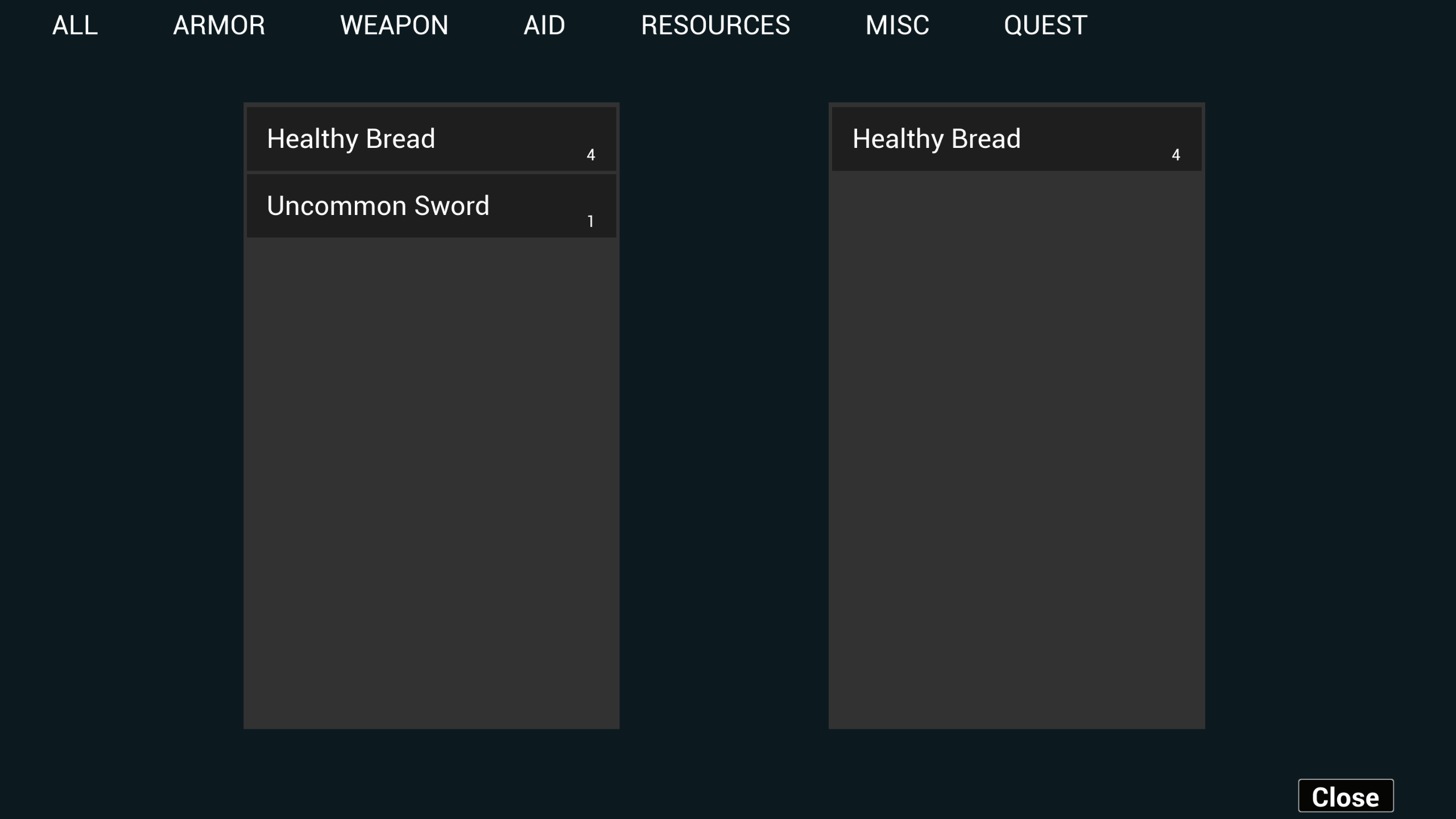
Fully customizable inventory System
Features:
- Add item from level to the inventory
- Remove item from the inventory and place to the level
- Toggle Inventory menu
- You can drop partially items or drop all items at once
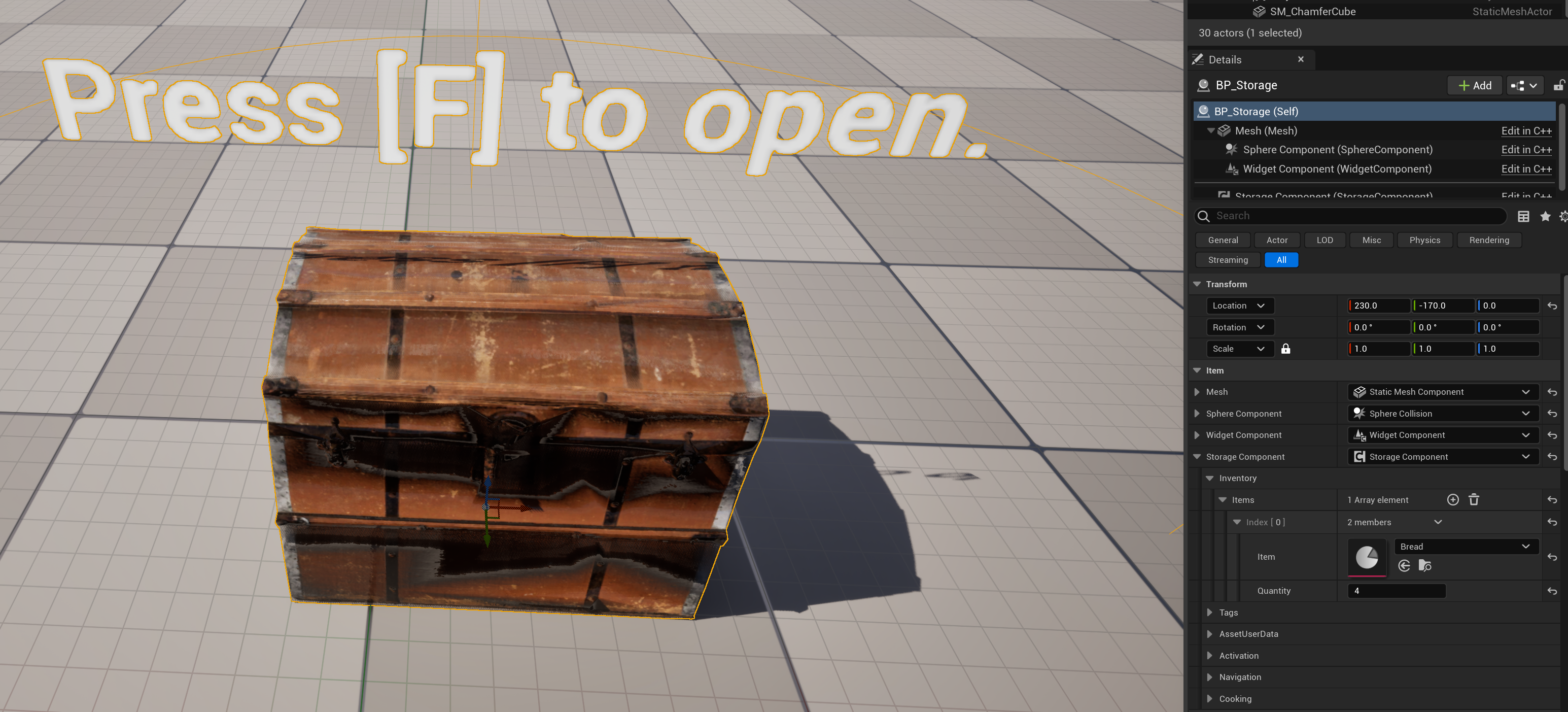
- You can store your items on chest.
- Inventory menu has 3d object viewer
How-To:
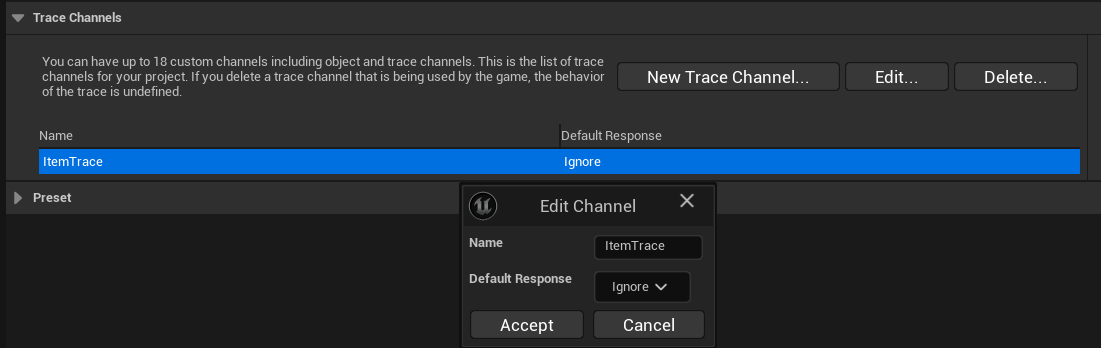
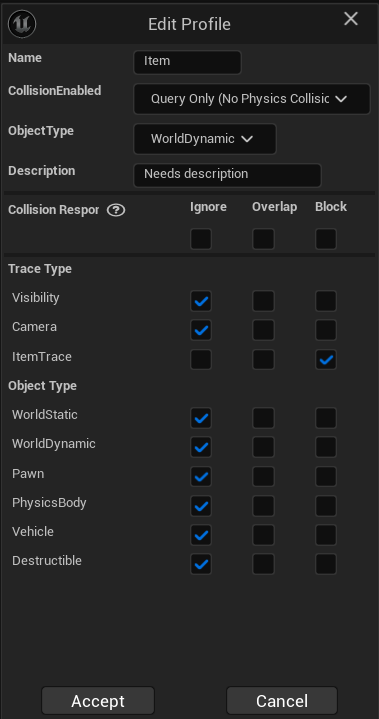
1. You must create trace channels and Collision presets like this:
Edit -> Project Settings -> Collision
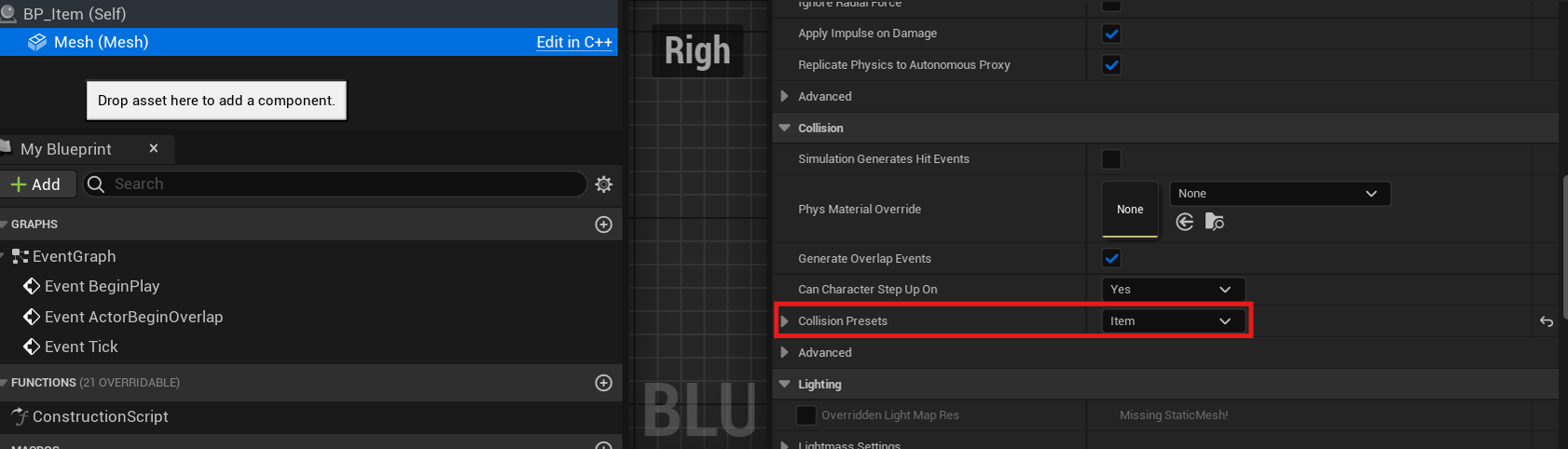
2. Set BP_Item’s mesh collision presets like this:
3. Lastly, BPC_Inventory should be like this:
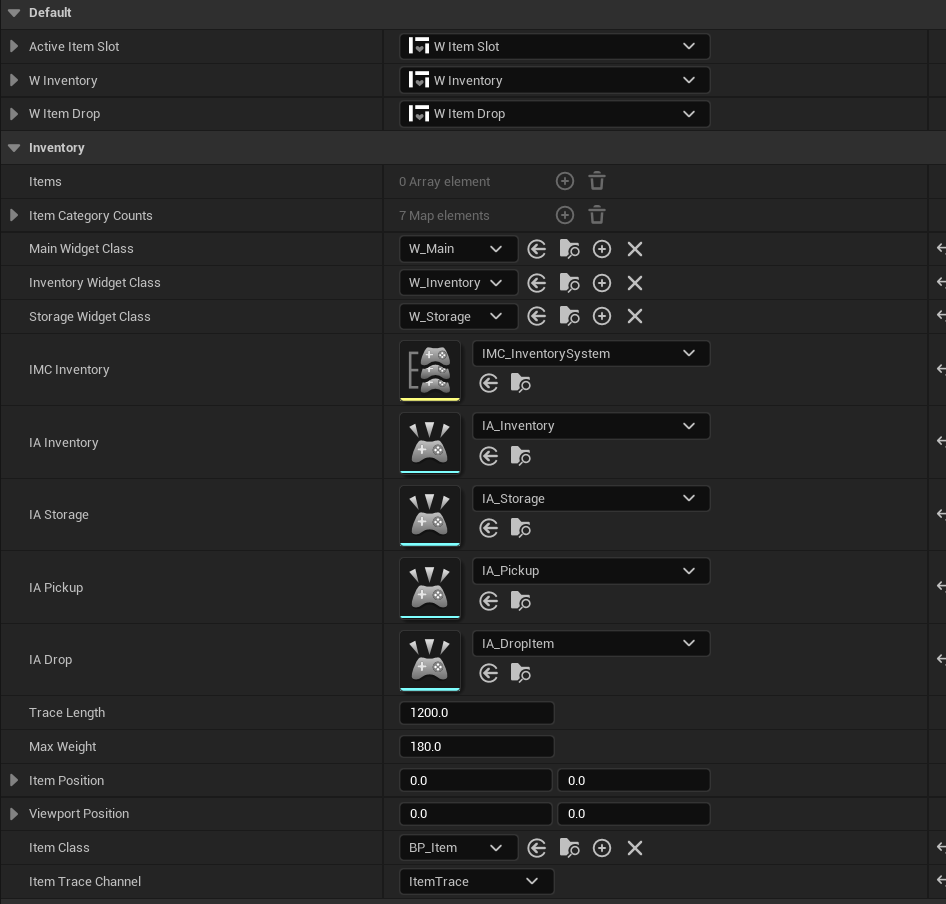
4. To create a new item, you need to create data asset.
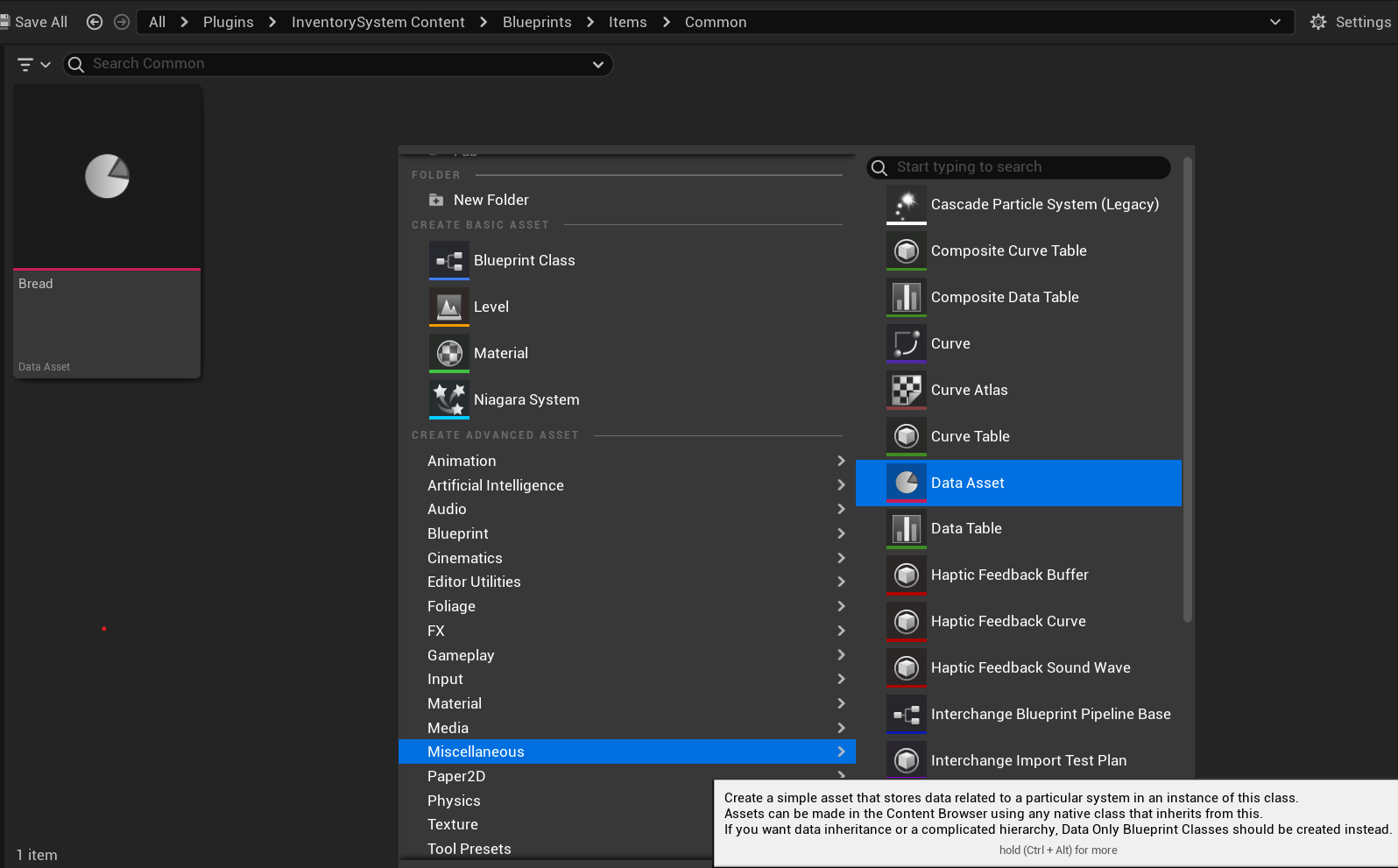
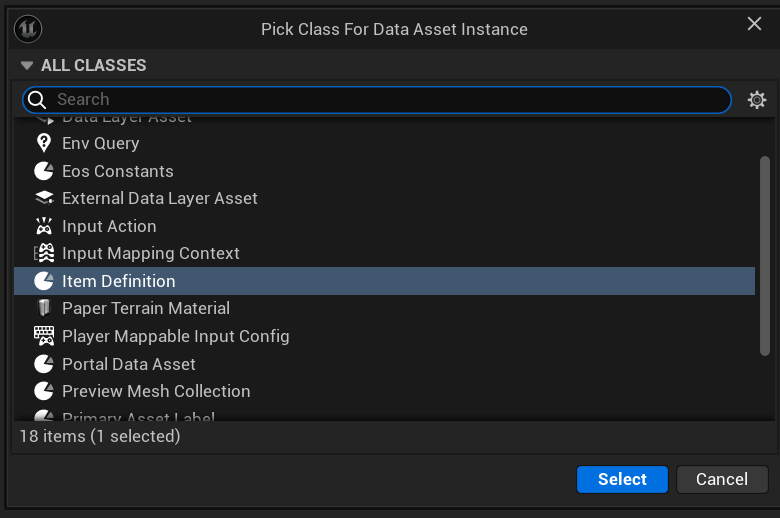
5. Select Item Definition for parent
6. Fill the sections
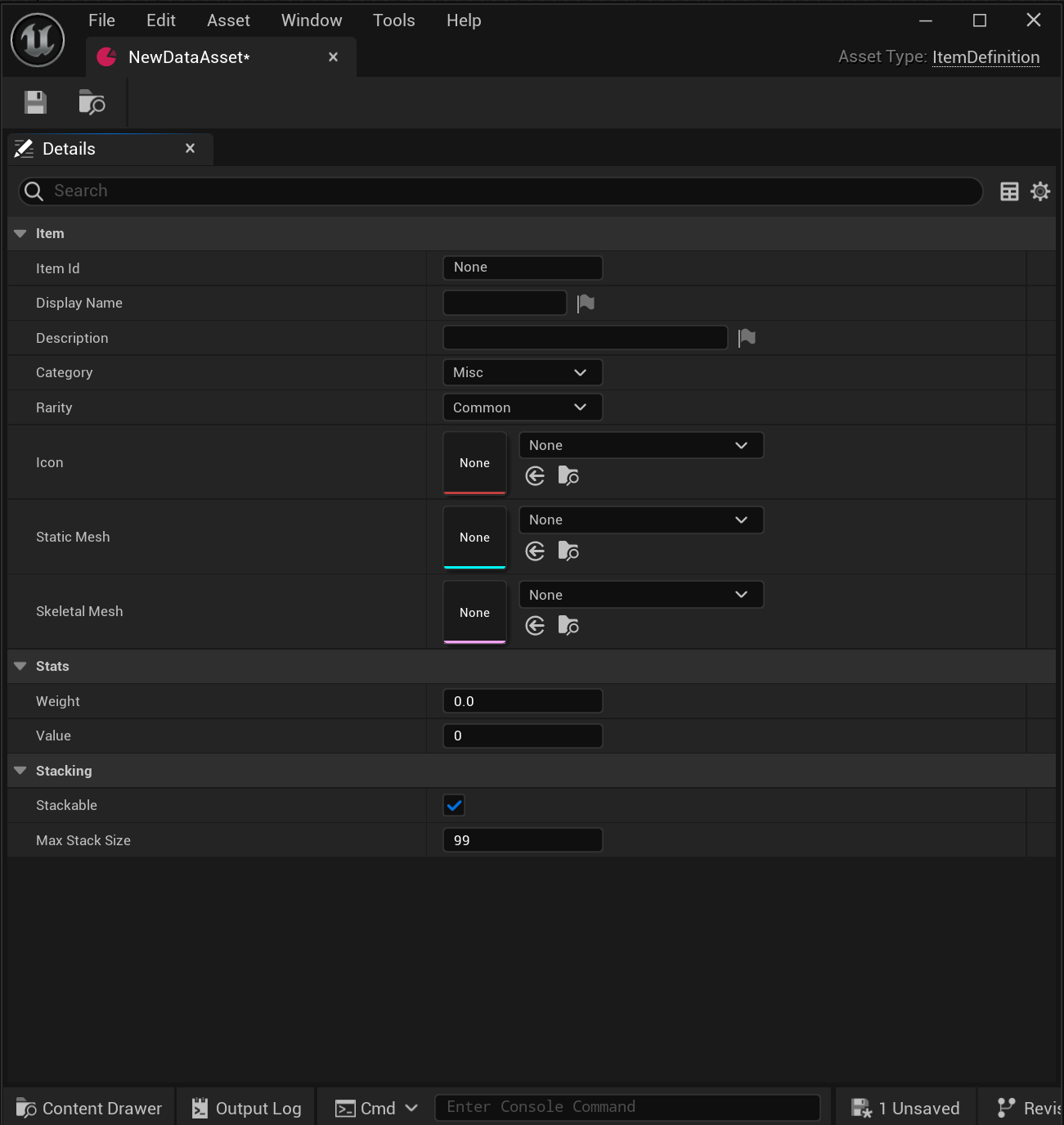
7. You can use this data asset inside of BP_Item
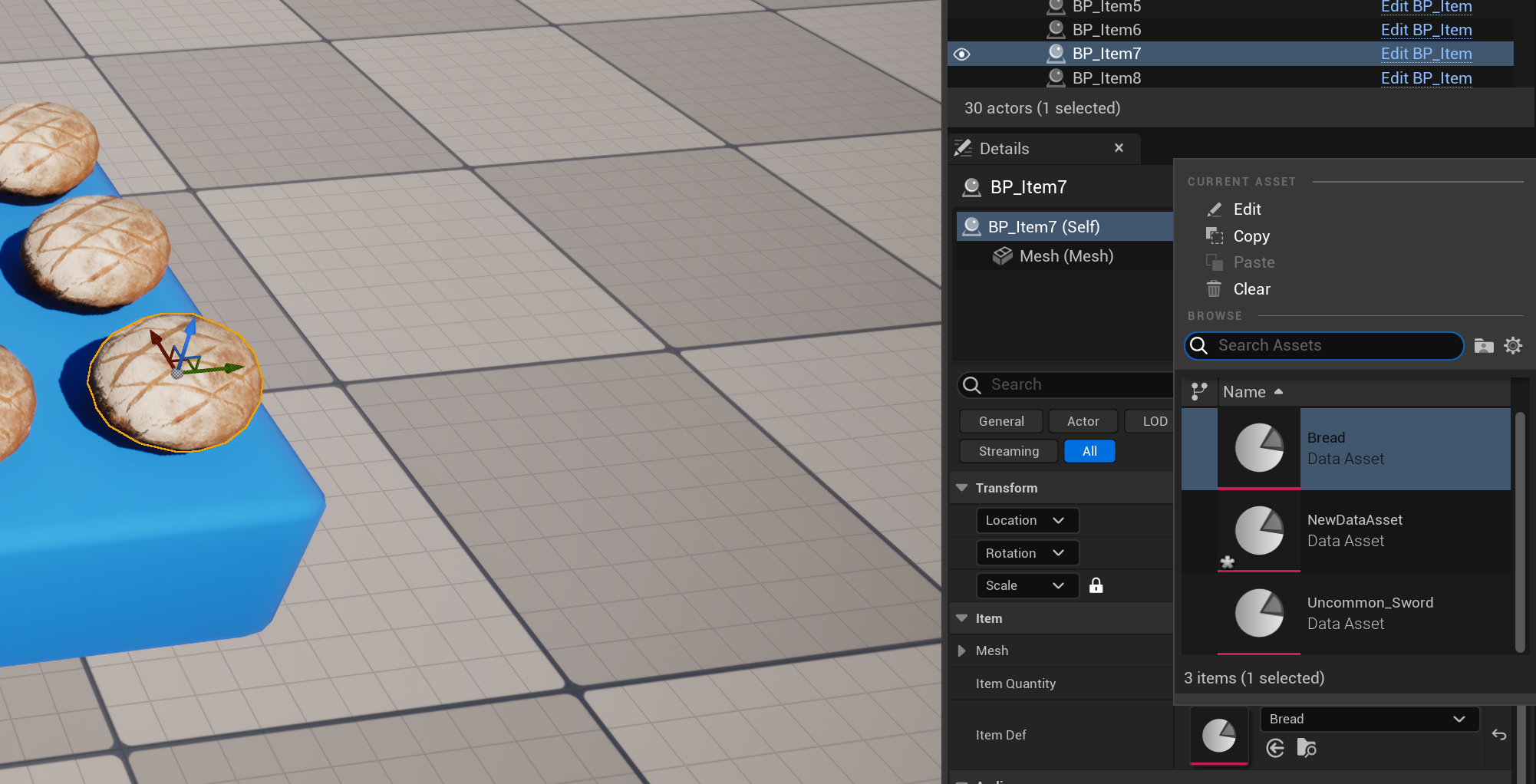
8. You can add item to the chest like this:
This post is licensed under CC BY 4.0 by the author.